
Organize the response
The protocol defines tasks, responsibilities, decisions and team communications.
Cobalt coordinates the response. Compatible Algo devices make it heard and seen throughout your building.
Your protocols, connected to on-site audio and visual alerting.
In under a minute, see how team coordination and on-site alerting work together.
Illustrative scenario and interfaces. Compatible devices, firmware and configurations must be validated for each project.
The protocol defines tasks, responsibilities, decisions and team communications.
Planned steps are linked to the selected messages, devices and zones.
Compatible equipment makes instructions audible and visible, based on your configuration.
At each planned step, Cobalt can connect team coordination to the message delivered on-site: display, voice and visual signal, depending on the configuration.
Fictional demonstration · Open each step to explore an example.
Follow staff instructions.
“An alert is in progress. Please follow staff instructions.”
For the response team
The protocol brings in responders and presents their assigned tasks.
Wait for further instructions.
“The response is ongoing. Please wait for further instructions.”
For the response team
At the planned step or after a confirmed decision, the instruction is updated.
Thank you for your cooperation.
“The alert has ended. Thank you for your cooperation.”
For the response team
The all-clear and closing actions follow the established protocol.
Illustrative text, not intended for use as emergency instructions. Messages, zones, triggers, display durations and visual signals are defined and tested for each project. A display can retain its instruction after a voice message ends; not every step needs every delivery channel.
Your Cobalt protocols can play an instruction, display a message or draw attention on-site. Choose the right channels for your spaces through the Algo integration. Purchase your Algo devices through Cobalt and bring the equipment and its integration with your protocols together in one project.
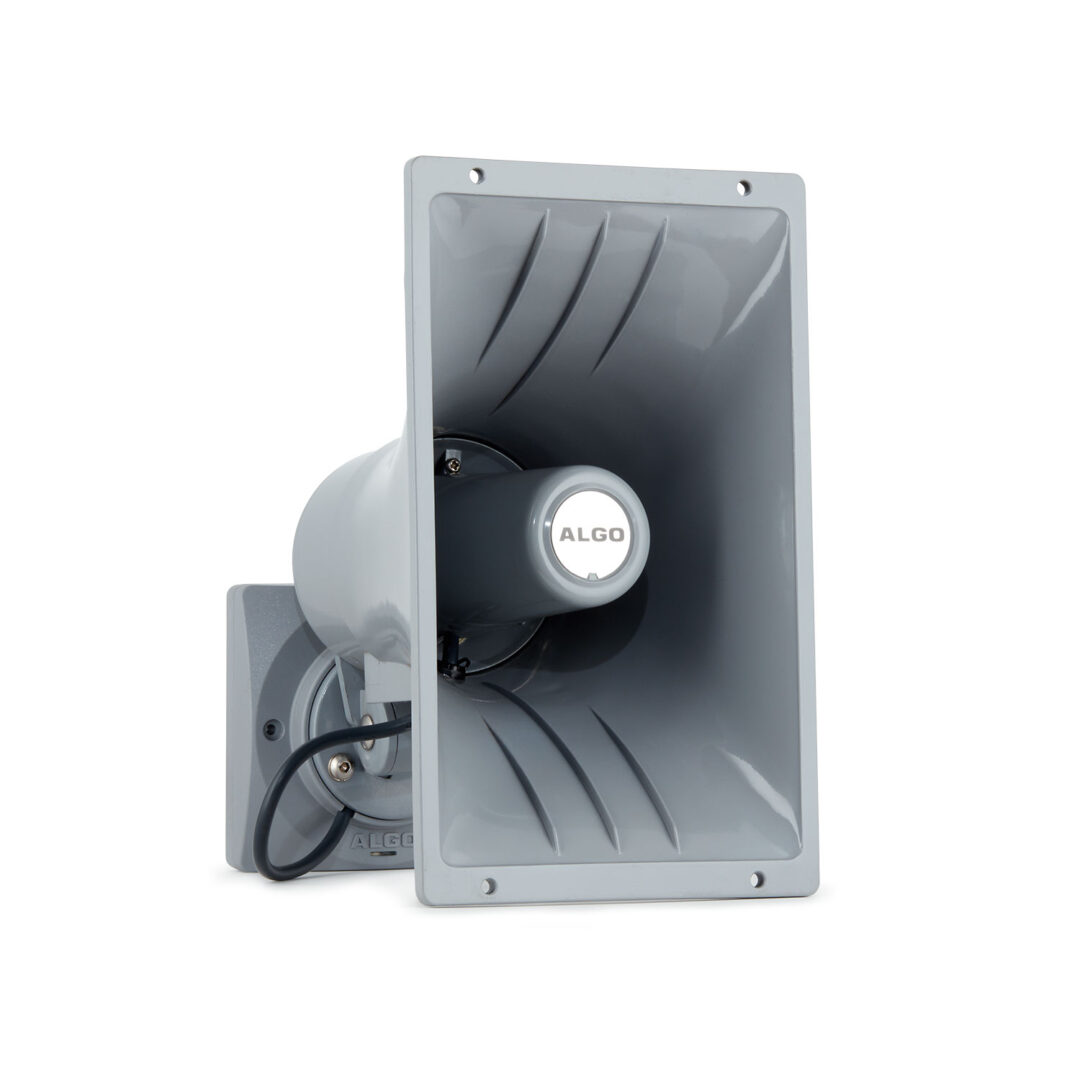
Deliver a voice announcement or audible signal wherever people are.
Coverage and intelligibility must be checked on-site. No single format suits every location.


Display, speaker and visual signals combined in one device.
Display and audio messages are prepared for the protocol steps and selected configuration.
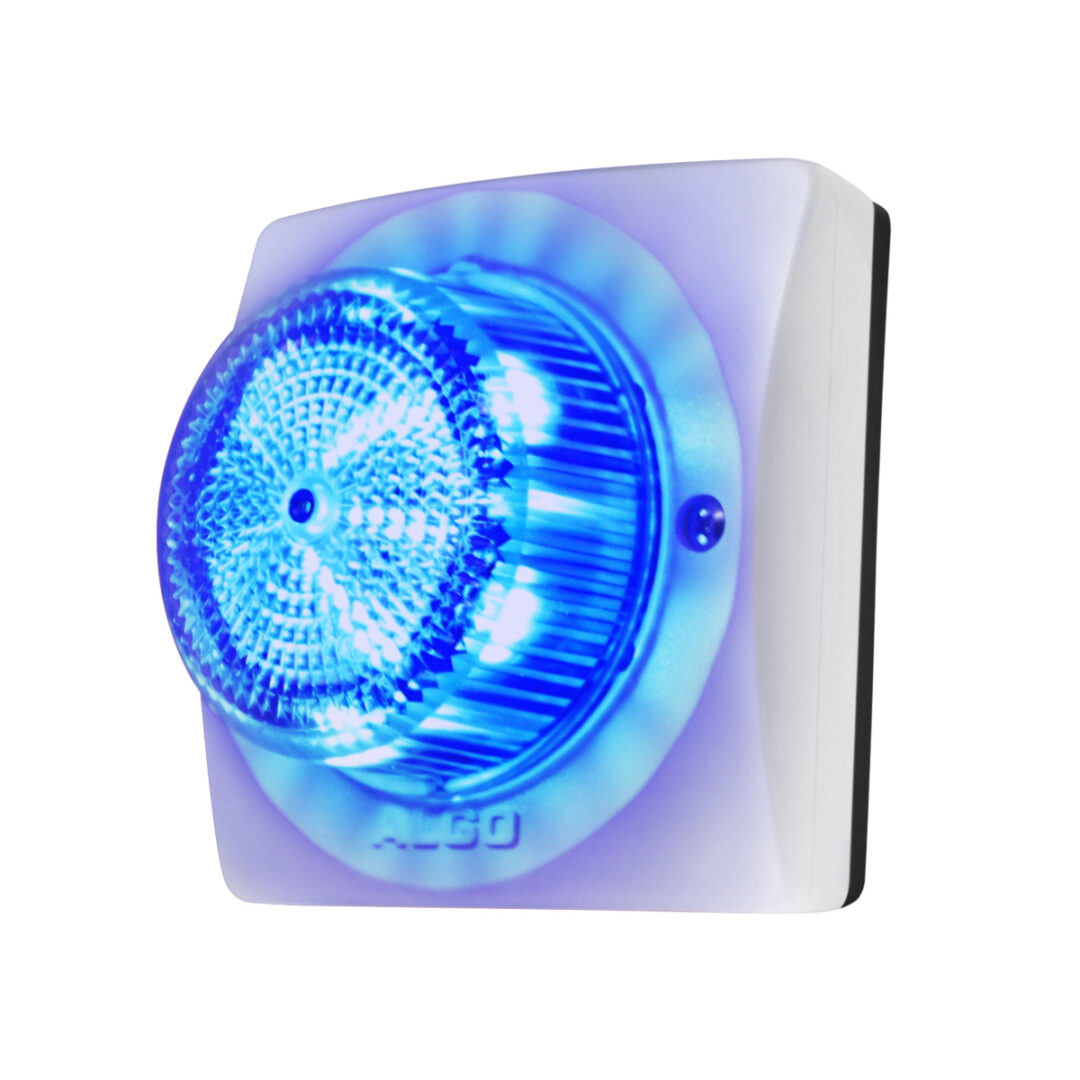
A visual signal complements the audio announcement and draws attention to a situation.
Dedicated alert devices, such as the 8138 shown, or visual signals built into certain devices can be selected. Their use and settings are defined in the configuration.
The light draws attention; the specific instruction comes from the voice message, display or responders.
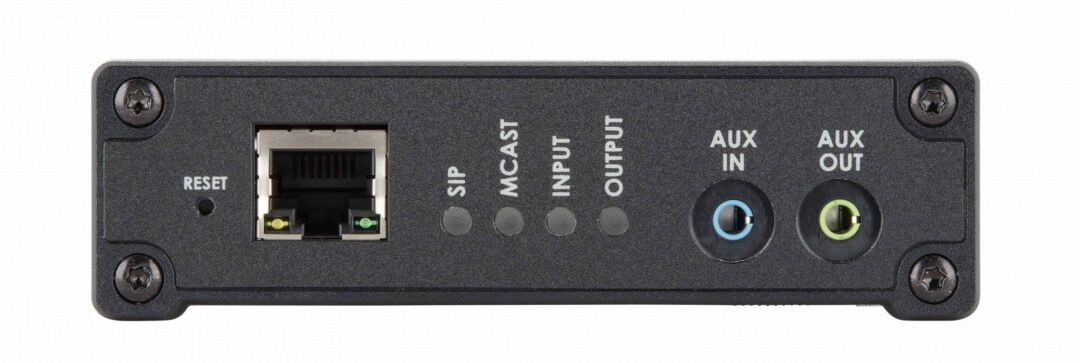
Connect a compatible analogue PA system instead of necessarily replacing every speaker.
The 8301 can send audio to a compatible amplifier and relay messages to configured network devices. It is neither a display nor a speaker.
Amplifier inputs, interfaces, zones and networking must be checked. An existing PA system does not guarantee compatibility.
Devices shown: Algo. Simulated Cobalt screen content is illustrative. Models and features are validated for your installation.
Models, firmware, audio interfaces, zones and network access are checked for each project. Messages and triggers are configured, then the entire chain is tested on-site.
Manufacturer-described capabilities do not guarantee that every feature is integrated with Cobalt. Delivering a message does not by itself guarantee that it is received or understood, and does not replace required fire safety systems.
Prepared by Cobalt; this presentation is not an endorsement or a contractual offer from Algo.
Explore alert stations, large displays and connections to existing systems.